The free resume maker that writes for the ATS, not just for looks
Most free resume makers give you a pretty template and leave the words to you. Apavin's free AI resume maker does the part that gets you shortlisted: it reads the job description, finds the keywords the applicant tracking system will scan for, and rewrites your resume around them. It is a free resume builder and a free CV maker in one, with no sign-up, no watermark and no paid download at the end.
Use it as a resume maker for freshers, a CV builder for experienced professionals, or a quick way to tailor one resume to many job descriptions. Every version is free to download as PDF, Word or plain text.
What is an ATS resume, and why does it matter?
An applicant tracking system (ATS) is the software most companies use to collect and filter job applications. Workday, Greenhouse, Lever, iCIMS, Zoho Recruit and Naukri RMS all read your resume as text, pull out your skills, job titles and dates, and rank you against the job description before a recruiter sees your name.
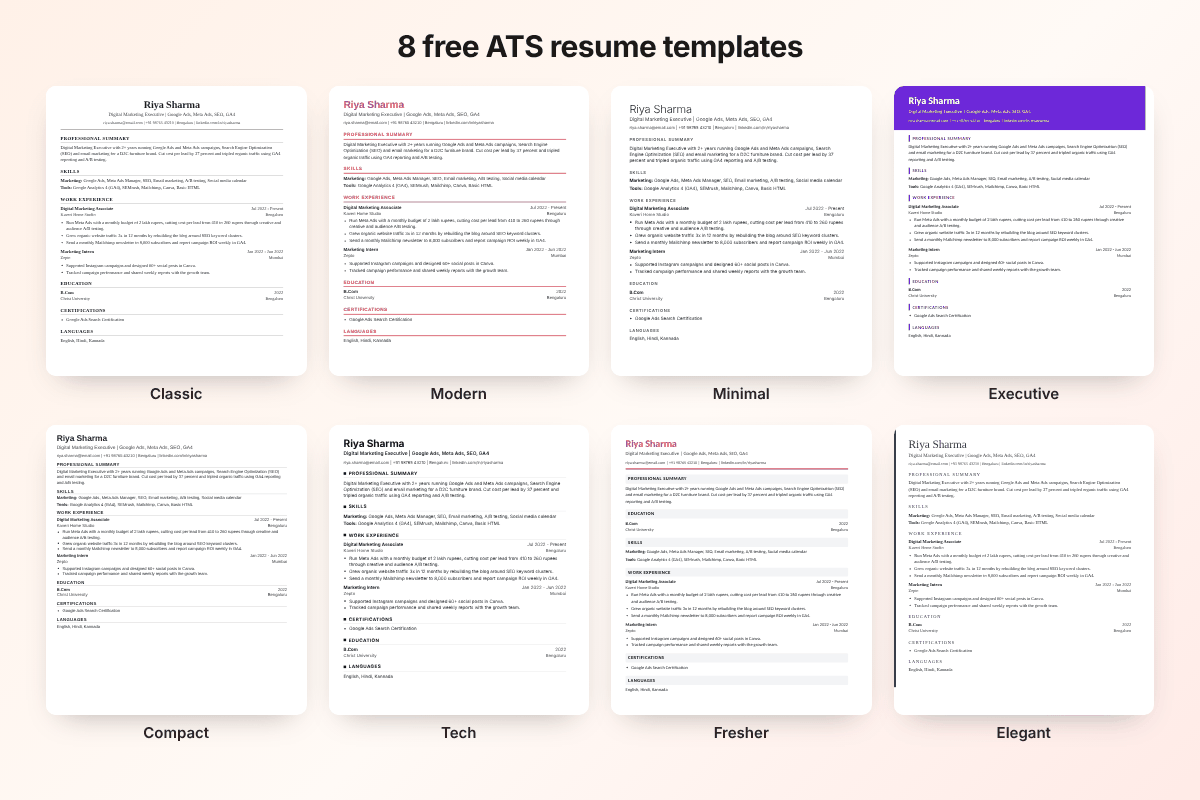
An ATS-friendly resume is one that this software can read without errors and that uses the same keywords the job description uses. Fancy two-column designs, text inside images, tables and icons often break parsing, which is why every template here is a clean, single-column layout with standard section headings such as Professional Summary, Skills, Work Experience and Education.
How this AI resume builder tailors your resume to the job description
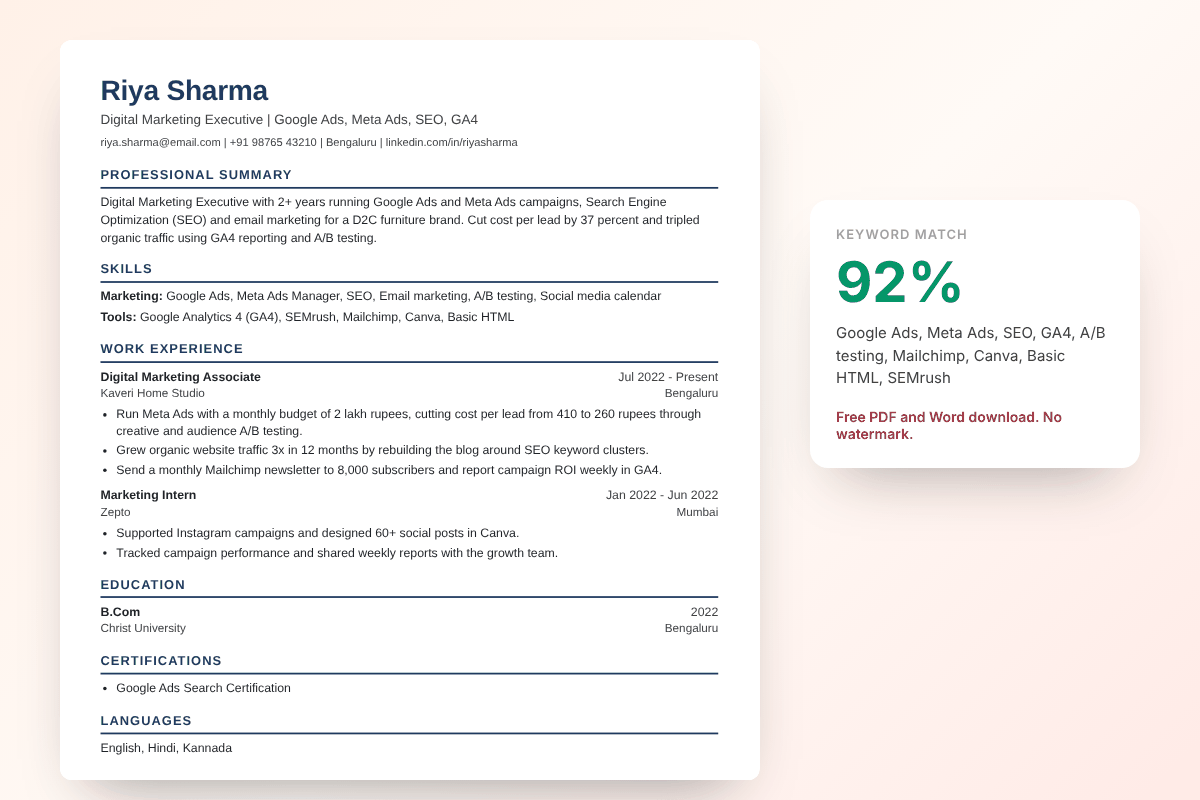
The builder reads the job description first and lists the 15 to 30 keywords that matter most: hard skills, tools, certifications, methods and the exact job title. It then rewrites your experience so those keywords appear naturally, wherever your background genuinely supports them, and spells out acronyms once so both versions match.
Anything the job asks for that your input does not show is listed under keywords to add only if true. That keeps your resume honest, which matters because interviewers ask about every line. The keyword match score shows how much of the job description your resume now covers.
Resume tips that get past the ATS and impress the recruiter
Mirror the job title in your headline, keep dates in a consistent Month Year format, and start every bullet with a strong action verb followed by what you did and the result. Numbers help: budgets managed, cost cut, time saved, revenue added, people led. If you have a number, add it in the preview before you download.
Keep it to one page for under 5 years of experience and two pages beyond that. Save as PDF unless the job portal asks for Word, and name the file with your name and the word Resume. Upload the plain text version to portals that strip formatting.
Free resume builder for freshers, students and career switchers
No work history yet? Choose the Fresher template, which leads with education, projects and skills. Describe your final-year project, internships, hackathons, certifications and college roles in plain words, and the builder turns them into achievement-led bullets without padding.
Switching careers? Paste the job description for the role you want and describe your current work. The builder highlights the transferable skills that match and shows which keywords you still need, so you know what to learn or which project to build next.
PDF or Word: which resume format should you download?
PDF keeps your layout identical on every screen and is accepted by almost every ATS, as long as the text is selectable, which it is here. Word (.doc) is useful when a recruiter or agency wants to edit your resume, or when a portal specifically asks for it. Plain text is for job portals with a paste box.
All three downloads are free, have no watermark and need no account. Make as many versions as you have applications: tailoring each resume to its job description is the single biggest thing you can do to get more interview calls.